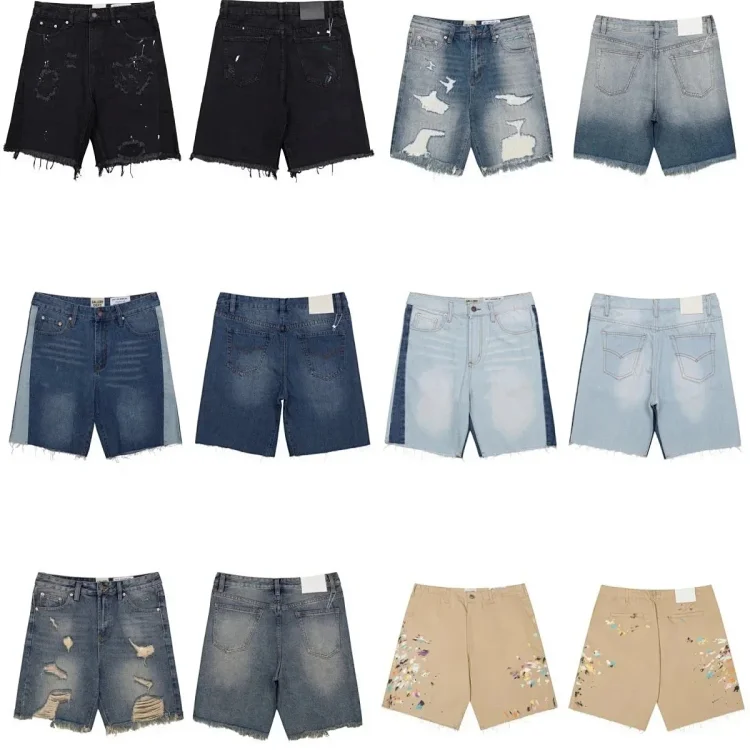
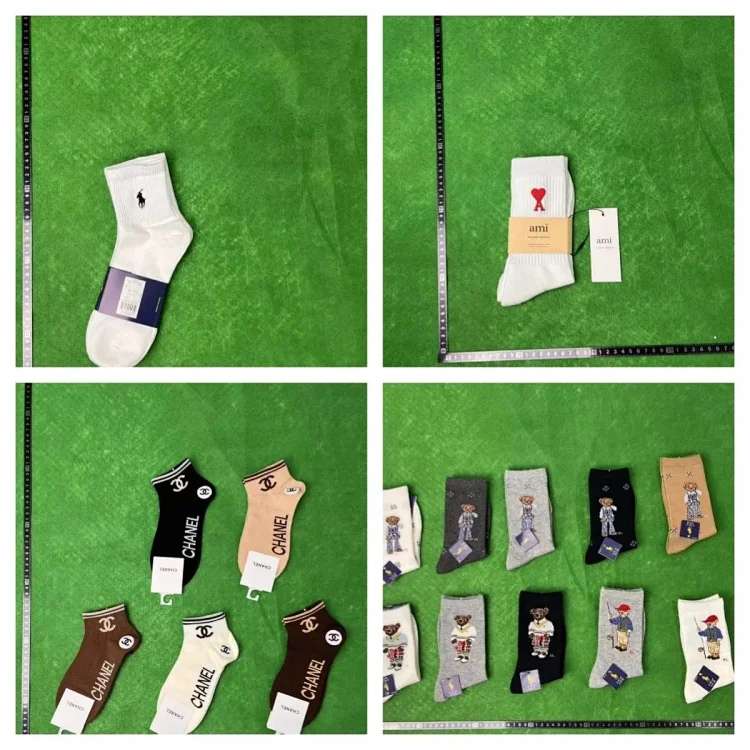
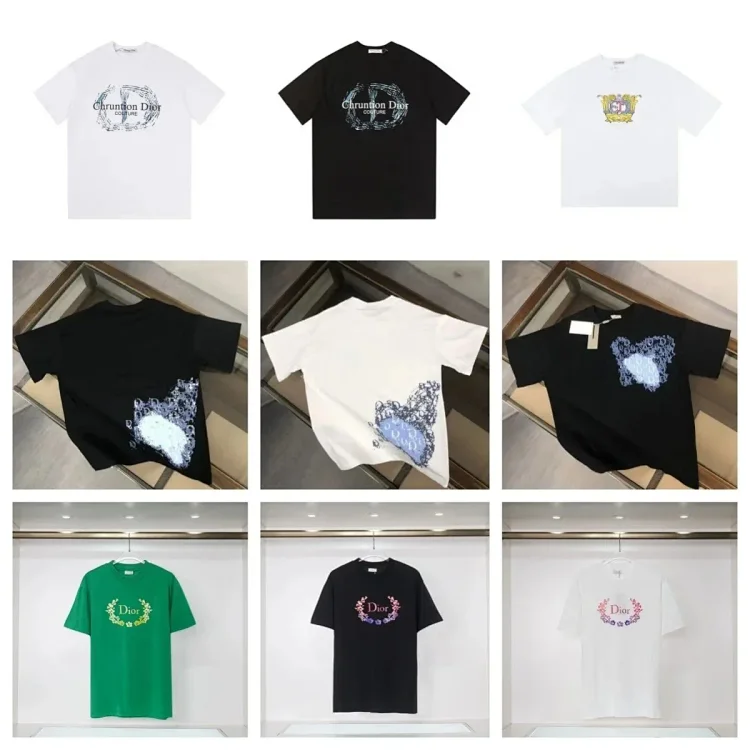
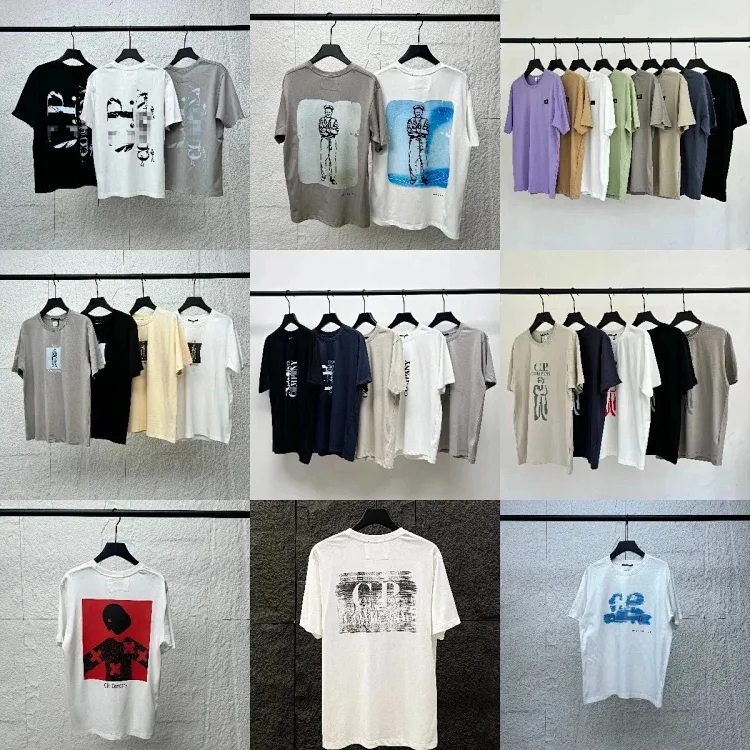
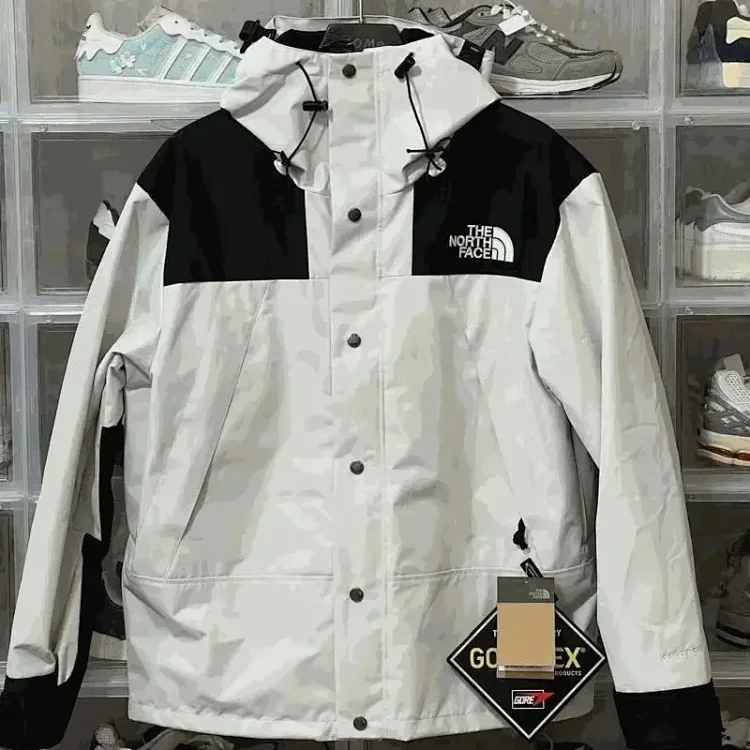
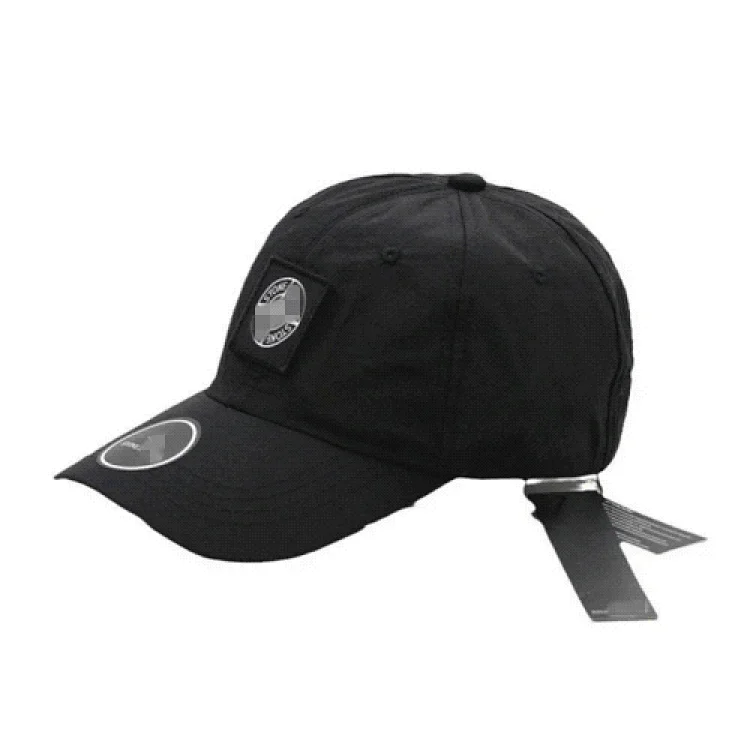
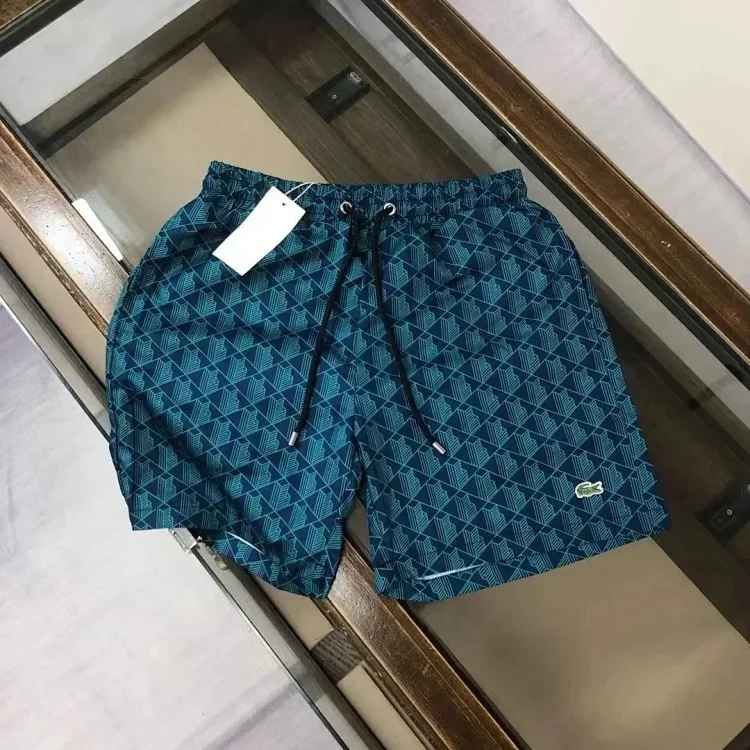
LoloBuy QC should be understood as warehouse evidence, not a magic guarantee. Official help material describes standard inspection as a visible check of product information, damage and defects. That is valuable, but it does not replace seller research, option selection or customs planning.
A long QC guide should help buyers decide what to inspect for each category. It should also explain when default photos are enough and when extra photos or secondary inspection make sense. The goal is to make the buyer's decision before parcel submission more disciplined.
LoloBuy QC Guide comparison checklist
| Research area | Better practice | Weak practice |
|---|---|---|
| Standard inspection | Visible style, color, size, quantity and damage checks. | Authentication or full functional testing. |
| Photo use | Confirms ordered option before shipping. | Proof that every hidden detail is correct. |
| Sealed goods | Exterior and packaging may be checked. | Opened inspection by default. |
| 1688 goods | May follow sampling or no-QC rules depending on type. | Same rules as every other marketplace. |
Understand the official inspection scope
What the official workflow shows
The official standard inspection service says LoloBuy can check visible information such as quantity, style, color, size, model, damage and defects. It can also filter restricted products during inspection. This is the right basis for a QC guide. Buyers should ask whether the risk they care about is visible under those rules.
How to use it in a spreadsheet decision
If a product is sealed, taped or tagged, LoloBuy may not open it except in categories such as clothing, bags and shoes. This matters for electronics, collectibles and packaged goods. A user who needs internal verification should not assume standard QC will provide it.
Turn product categories into QC checklists
What the official workflow shows
Shoes usually need side profile, toe box, heel, sole, size tag and stitching views. Clothing needs front, back, label, print, color and measurement evidence. Bags need hardware, strap, corners, logo placement and interior if available. Accessories need size, color, count and visible damage checks. A spreadsheet can assign a QC priority so the buyer knows where to spend attention.
How to use it in a spreadsheet decision
The QC guide should link to high-priority product rows because users often need examples. A general article explains the method, while product notes show how the method applies to actual finds.
Know when to request more photos
What the official workflow shows
Official service descriptions mention standard photos and optional additional photo handling. Extra photos are most useful when the default angles do not show the decision point. If a shoe sole matters, request the sole. If a hoodie size matters, request measurements. If a colorway is easy to confuse, request a close-up under normal light.
How to use it in a spreadsheet decision
Extra photos should be requested before international shipping. Once the parcel is submitted or shipped, the buyer has fewer practical options. This is why QC belongs before the shipping calculator step.
Use QC as after-sales evidence
What the official workflow shows
Official after-sales guidance asks users to describe problems and provide photos when applying for parcel after-sales. Warehouse QC photos can be part of that evidence chain. They help show whether damage was visible before shipping, whether the item matched the order and whether a problem appeared during international transit.
How to use it in a spreadsheet decision
Keep QC photos, source links and order remarks together. A single screenshot is weaker than a full record. The more organized the evidence, the easier it is to communicate with customer service and decide whether to ship, return or abandon an item.
Editorial method for this guide
Official facts used
This LoloBuy QC Guide article uses LoloBuy's visible public workflow as the baseline: the buyer starts from a marketplace source, submits the item through LoloBuy, pays the item and China domestic delivery first, waits for the agent purchase, reviews warehouse inspection, and only then submits international shipping. That sequence matters because many weak guides discuss "best finds" or "cheap shipping" as if the product page is enough. In practice, the useful decision is whether the source, warehouse evidence, weight, declaration exposure and after-sales window still support the order.
How the official material was rewritten
The official pages explain service rules from the platform's point of view. This guide rewrites those rules from a buyer-research point of view, so each section turns a policy into a row, checklist or comparison field. For example, a statement about standard inspection becomes a QC-evidence column; a note about real packed weight becomes a shipping-risk column; a notice about payment channels becomes a date-stamped update field. The goal is not to repeat LoloBuy's wording, but to make the official operating details usable before the buyer commits money.
How to apply it before payment
Before using any product link, compare the row against three questions: does the original listing still show the exact item option, does the item fit a realistic parcel and route, and would the warehouse evidence be enough to support a return, exchange or after-sales request if something goes wrong? If the answer is unclear, keep researching instead of relying on a social post or coupon claim. The best spreadsheet entry is one that still makes sense after the official LoloBuy order, QC and shipping steps are considered together.
Internal research paths
Use this guide together with the LoloBuy catalog, QC guide, shipping guide, shoe finds, hoodie finds and accessory finds. The goal is to move from article research into product-level evidence before money is committed.
For current platform behavior, always compare this independent research with the official LoloBuy notice center and help center before payment or parcel submission. Payment channels, logistics restrictions, customs rules and warehouse service details can change.