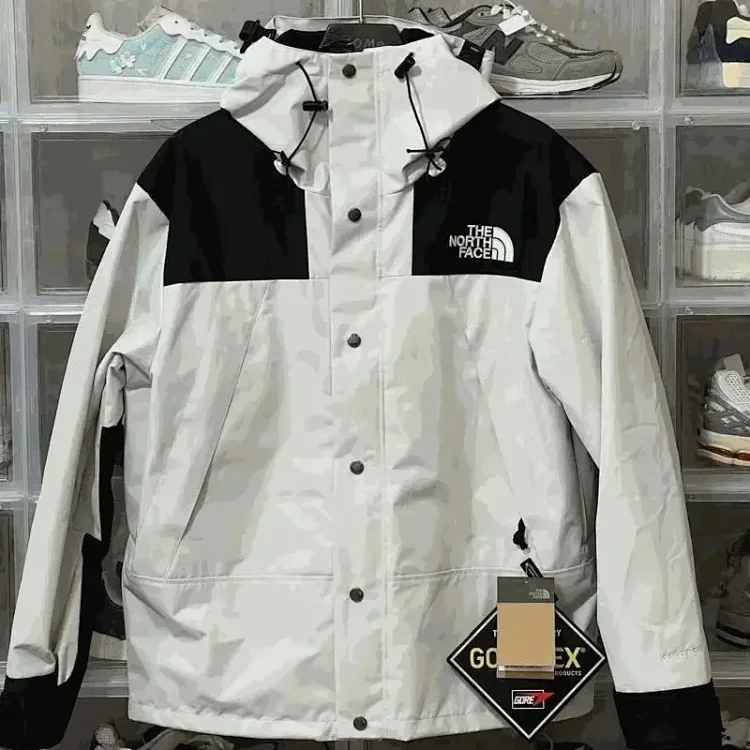
A LoloBuy spreadsheet should not be treated as a random list of links. The official workflow makes it clear that buying through LoloBuy has several checkpoints: source selection, order submission, item payment, agent purchase, domestic delivery, warehouse inspection, storage, parcel submission, international freight payment and after-sales evidence. A useful spreadsheet mirrors that workflow so the buyer can see what decision has to be made next.
The strongest spreadsheet pages are built from operational evidence, not from hype. The row should preserve the original marketplace link, the LoloBuy converted link, category, option notes, expected packed weight, QC priority, last checked date and any warning about returns, customs or restricted items. That structure makes the sheet useful before payment, during warehouse QC and again if a return or parcel issue needs to be explained to customer service.
Best LoloBuy Spreadsheet 2026 comparison checklist
| Research area | Better practice | Weak practice |
|---|---|---|
| Source evidence | Keeps the original marketplace URL and product ID. | Only saves a screenshot or social post. |
| Order stage | Tracks item payment, warehouse status and parcel payment separately. | Treats purchase price as the full landed cost. |
| QC planning | Flags high-risk categories before the item reaches storage. | Waits for photos without knowing what to inspect. |
| Shipping planning | Uses category and weight estimates before parcel submission. | Builds a haul without route or weight context. |
Build columns around the official LoloBuy order path
What the official workflow shows
LoloBuy's own purchase guide describes a sequence that starts with a pasted link or product-name search. That is why the first spreadsheet columns should identify the original marketplace source and the product identity before the LoloBuy order page is created. If LoloBuy cannot parse a listing, the manual order form needs product title, URL, option, quantity and remarks. A sheet that already stores those fields prevents guesswork.
How to use it in a spreadsheet decision
The next group of columns should match payment and warehouse reality. LoloBuy separates the item and China domestic freight payment from the later international parcel payment. A spreadsheet that only lists product price can mislead buyers because parcel freight, tax method, value-added service fees and supplemental freight may arrive later. Keep the sheet honest by splitting item cost, estimated weight, route notes and final parcel decisions.
Use the sheet as an inspection checklist
What the official workflow shows
Official standard inspection is useful, but it is not unlimited. It can check visible information such as style, color, quantity, size, model, damage and obvious defects. It may not open sealed products, and 1688 goods can follow different stock-in rules. That means the spreadsheet should say what needs to be checked when photos arrive. Shoes may need sole, size-tag and heel views. Clothing may need label, stitching and measurement photos.
How to use it in a spreadsheet decision
The sheet should also preserve the reason an item was selected. If two hoodies look similar, the row should explain whether the choice is based on seller source, weight, QC priority, option clarity or recent checked date. This turns the spreadsheet into a decision tool instead of a catalog dump. It also helps when a seller changes stock or a warehouse photo does not match the original image.
Refresh rows when official notices change
What the official workflow shows
LoloBuy publishes platform notices for payment methods, logistics updates, warehouse changes and customs policy changes. A spreadsheet that claims to be current should react to those notices. For example, payment-channel fees and available methods can change. EU customs rules can change. Warehouse or route behavior can change. A checked date is not decoration; it tells the reader whether the row was reviewed after the latest operational update.
How to use it in a spreadsheet decision
For SEO, this matters because users searching for a LoloBuy spreadsheet usually want a current tool, not an archive. The page should therefore combine static crawlable text with refreshable data. The long-form guide can explain the buying method, while the rows, checked dates and category pages show that the site is still being maintained.
Connect guide pages, categories and product notes
What the official workflow shows
The guide page should push users into practical next steps. A buyer reading about spreadsheets should be able to open the catalog, compare shoe or hoodie categories, inspect a product note and return to a QC or shipping guide. Internal links are not only for SEO; they model the way a buyer actually researches a haul.
How to use it in a spreadsheet decision
The best structure is hub and spoke: the spreadsheet guide explains the method, the catalog exposes all rows, category pages group similar products, and product notes store source evidence. This reduces thin pages and helps Google understand that each guide has a different function.
Editorial method for this guide
Official facts used
This Best LoloBuy Spreadsheet 2026 article uses LoloBuy's visible public workflow as the baseline: the buyer starts from a marketplace source, submits the item through LoloBuy, pays the item and China domestic delivery first, waits for the agent purchase, reviews warehouse inspection, and only then submits international shipping. That sequence matters because many weak guides discuss "best finds" or "cheap shipping" as if the product page is enough. In practice, the useful decision is whether the source, warehouse evidence, weight, declaration exposure and after-sales window still support the order.
How the official material was rewritten
The official pages explain service rules from the platform's point of view. This guide rewrites those rules from a buyer-research point of view, so each section turns a policy into a row, checklist or comparison field. For example, a statement about standard inspection becomes a QC-evidence column; a note about real packed weight becomes a shipping-risk column; a notice about payment channels becomes a date-stamped update field. The goal is not to repeat LoloBuy's wording, but to make the official operating details usable before the buyer commits money.
How to apply it before payment
Before using any product link, compare the row against three questions: does the original listing still show the exact item option, does the item fit a realistic parcel and route, and would the warehouse evidence be enough to support a return, exchange or after-sales request if something goes wrong? If the answer is unclear, keep researching instead of relying on a social post or coupon claim. The best spreadsheet entry is one that still makes sense after the official LoloBuy order, QC and shipping steps are considered together.
Internal research paths
Use this guide together with the LoloBuy catalog, QC guide, shipping guide, shoe finds, hoodie finds and accessory finds. The goal is to move from article research into product-level evidence before money is committed.
For current platform behavior, always compare this independent research with the official LoloBuy notice center and help center before payment or parcel submission. Payment channels, logistics restrictions, customs rules and warehouse service details can change.